NIMS produces a number of reports aimed at helping you efficiently run your nursery.
Reports are categorized and each category has a number of reports giving you information for that category in different forms.
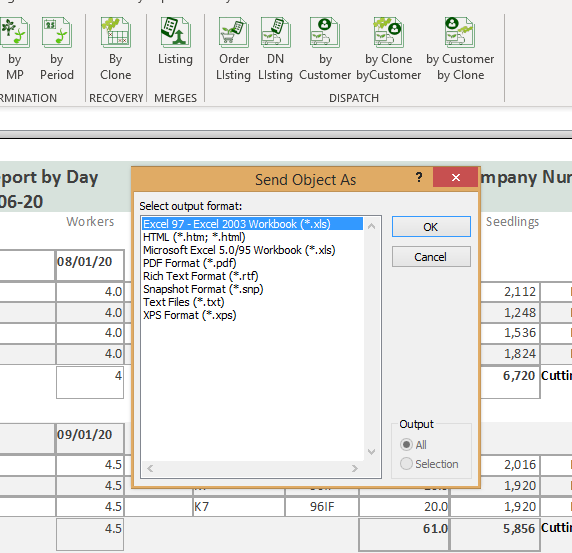
All report data can be exported to excel or a number of other formats using Microsoft Office export facilities.
All reports can be viewed in either a report format or a printable format. By right clicking on the report tab, you can change the report view.
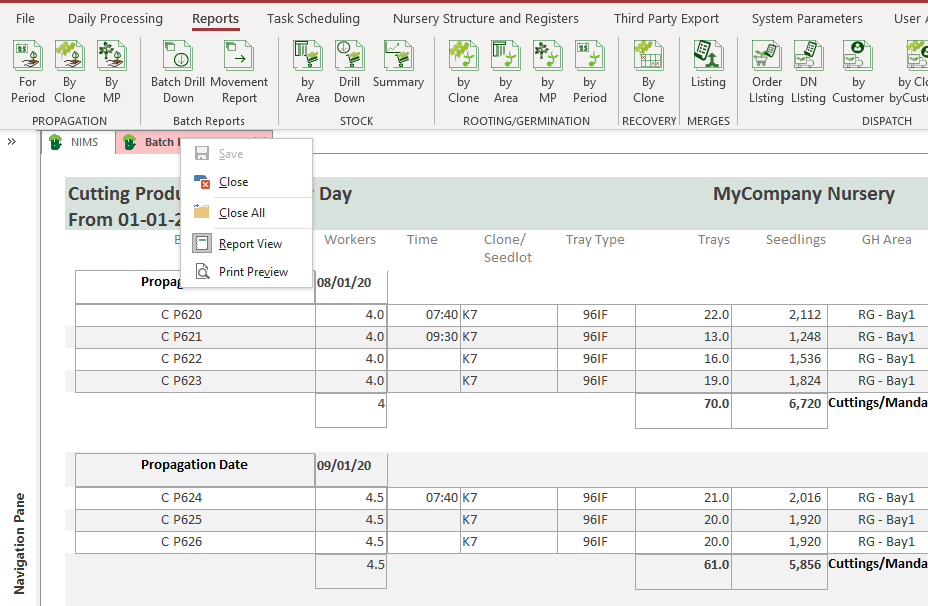
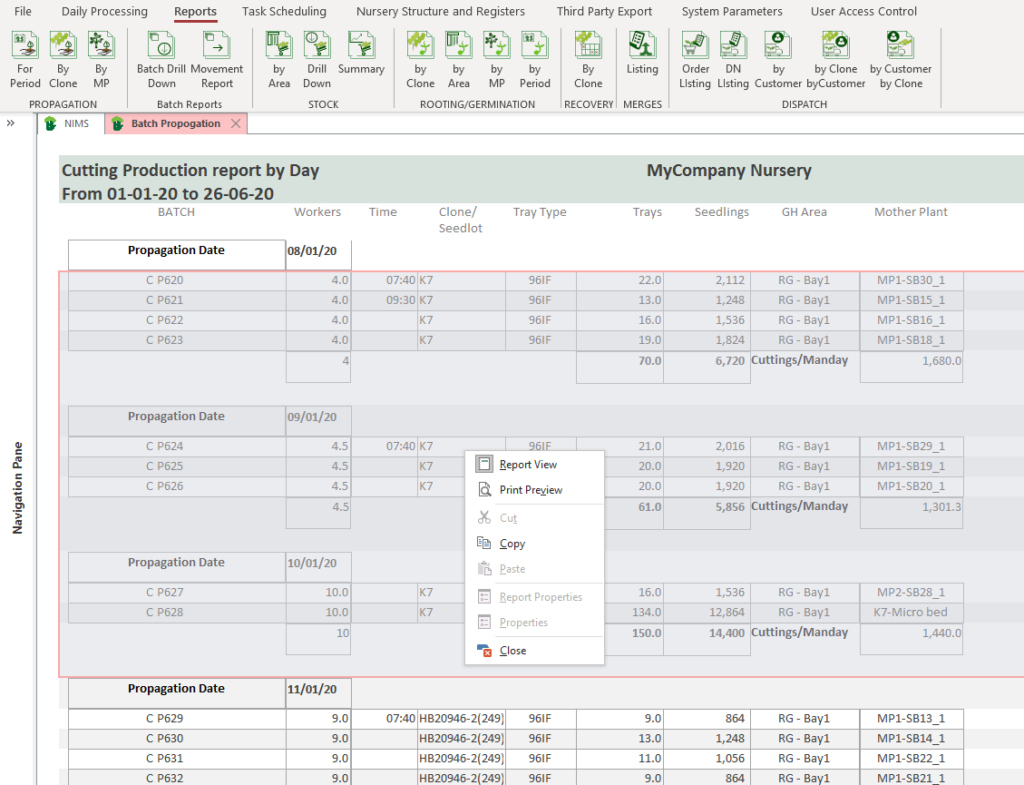
You can select Report View which gives you an interactive view which also allows you to filter your report, based on the field you clicked on, or copy contents of the report by either highlighting the contents you wish to copy of by click and dragging to select the contents you wish to copy.
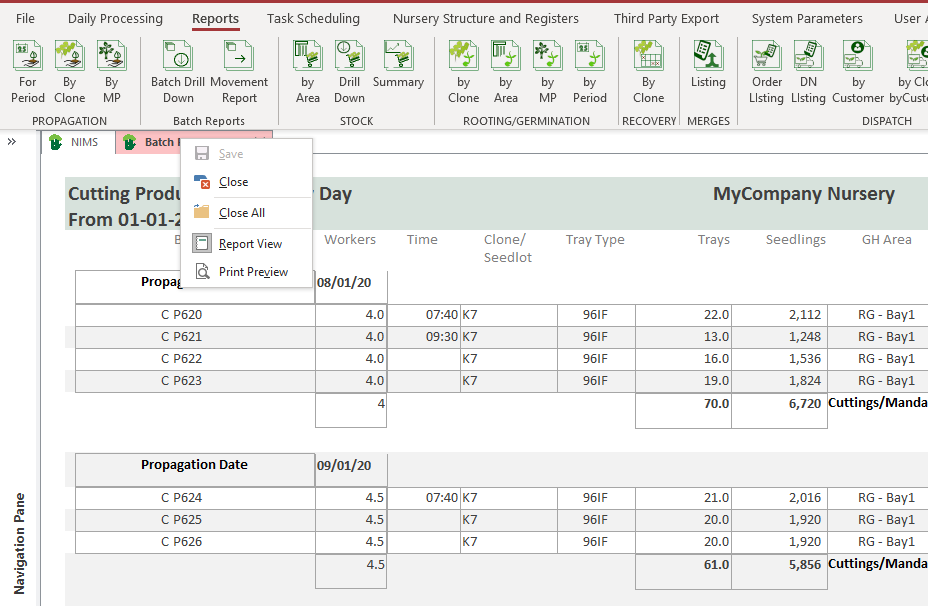
In print preview mode, the right click menu will give you different options.
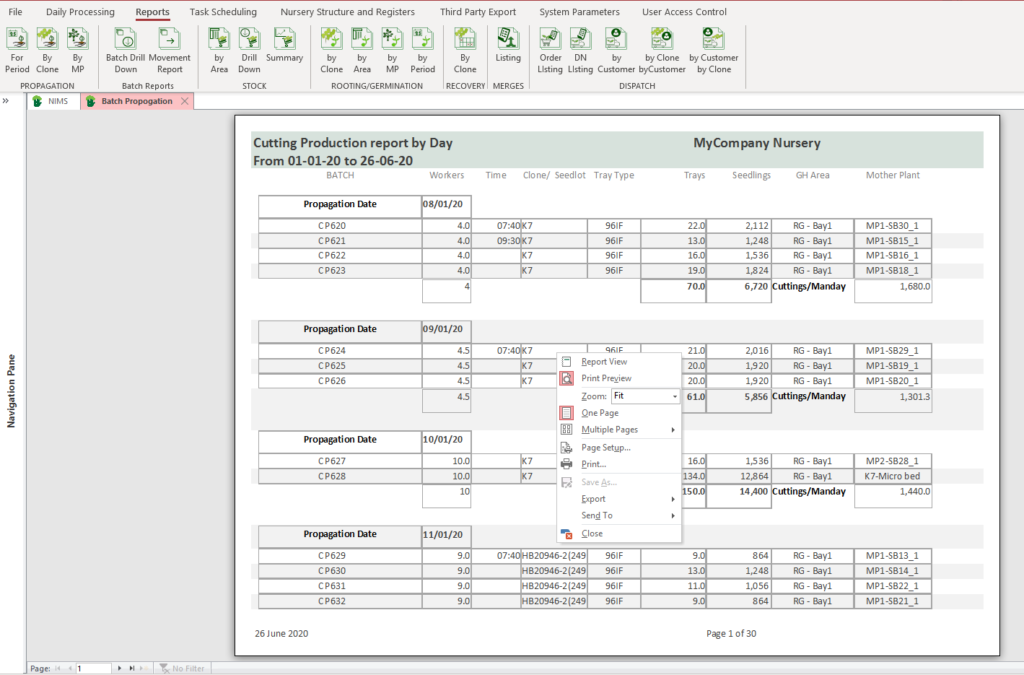
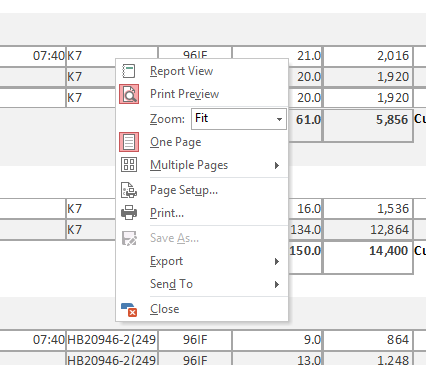
- View – You can change the zoom, view multiple pages or a single page.
- Print – Enter the Page Setup menu or send the report to the printer of your choice.
- Export – You can export the underlying report query to a format of your choice as well as emailing the report as an attachment